The Cover Letter App for iPhone
Write the cover letter, thank-you email, or follow-up on your iPhone in the minutes after you spot the posting — 10 tones, 3 lengths, 6 document types, with your profile and history saved on your device. Free to download and try.
- Six document types: cover letter, post-interview thank-you email, application follow-up, LinkedIn message, cold intro email, and resignation letter
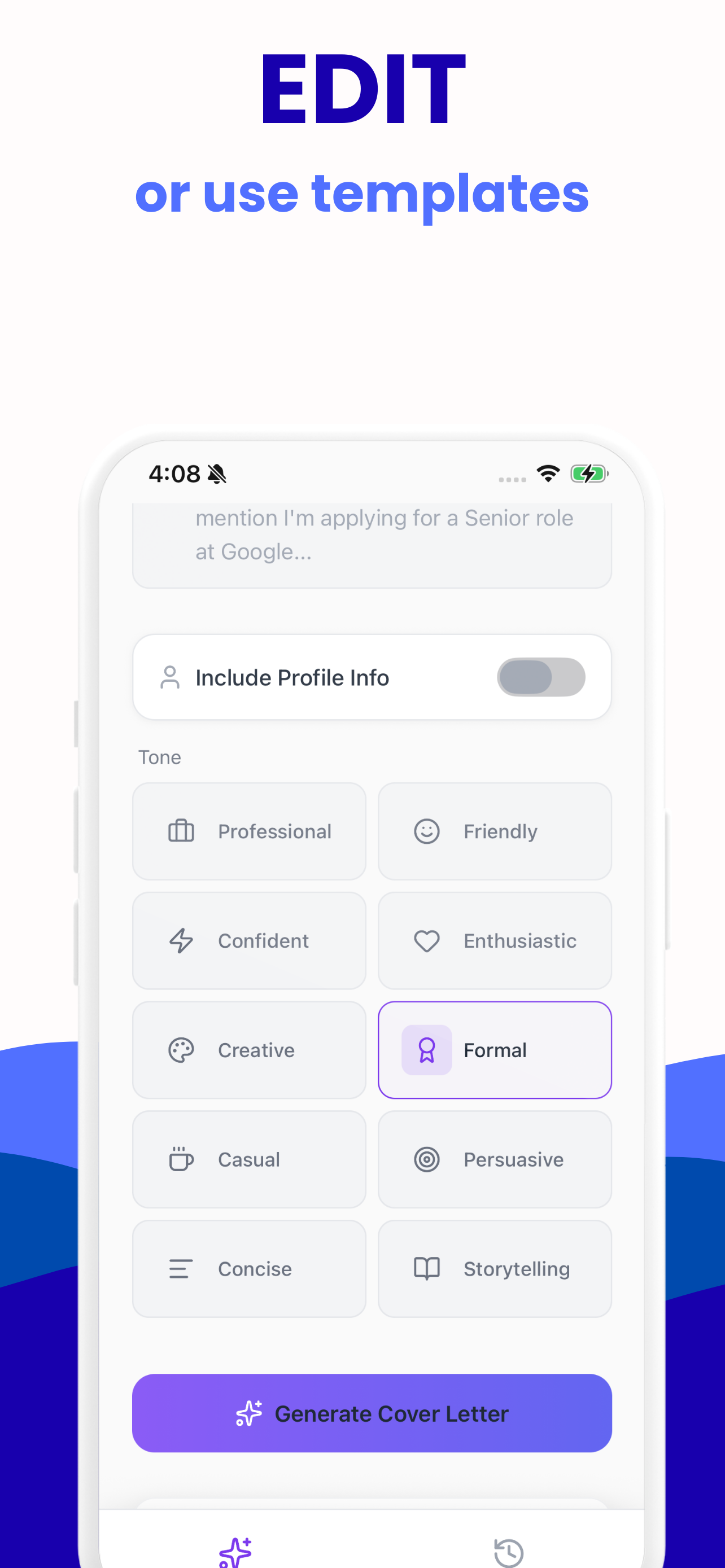
- 10 tones — professional, friendly, confident, enthusiastic, creative, formal, casual, persuasive, concise, and storytelling
- Three lengths: short (about 150 words), standard (250–350), or detailed (400–550)
- Paste the job posting and the letter targets its actual requirements and keywords (full access)
- Save your profile once — name, role, experience, skills, education — and reuse it in every letter
- History and PDF export live on your iPhone — the first generation and first PDF export are free to try, then premium
What the app does
Everything below is in the shipped app — no roadmap features, no mock-ups.
Ten tones
Professional, friendly, confident, enthusiastic, creative, formal, casual, persuasive, concise, storytelling — the same role reads completely differently in each.
Three lengths
Short (~150 words), standard (250–350) or detailed (400–550) — matched to the situation instead of padded to a page.
Six document types
Cover letter, post-interview thank-you, application follow-up, LinkedIn message, cold intro email, resignation letter.
Saved profiles
Enter your name, role, experience, skills and education once; every new letter starts from who you are, not from zero.
History on your device
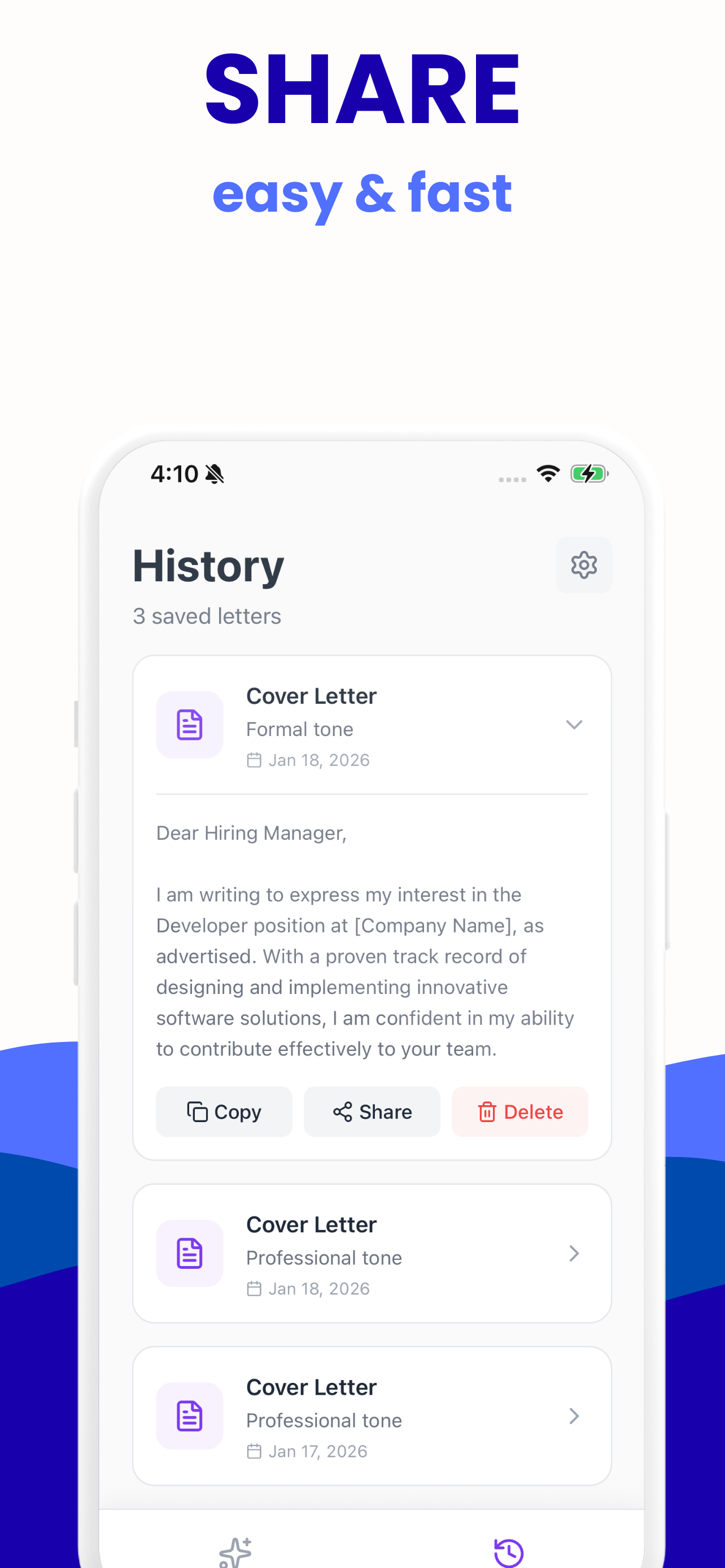
Every letter is saved locally — copy, share, edit, favorite or delete. Your history is not stored on our servers.
Streaming output
The letter appears word by word as it is written; regenerate to explore variations until it sounds right.
Job posting targeting
Paste the posting and the letter targets its requirements and keywords (full-access feature).
PDF export
Export the finished letter as a PDF straight from the app — limited free, premium for heavy use.
Any output language
Write the letter in whatever language the application needs — the UI stays in yours.
What the iPhone app does
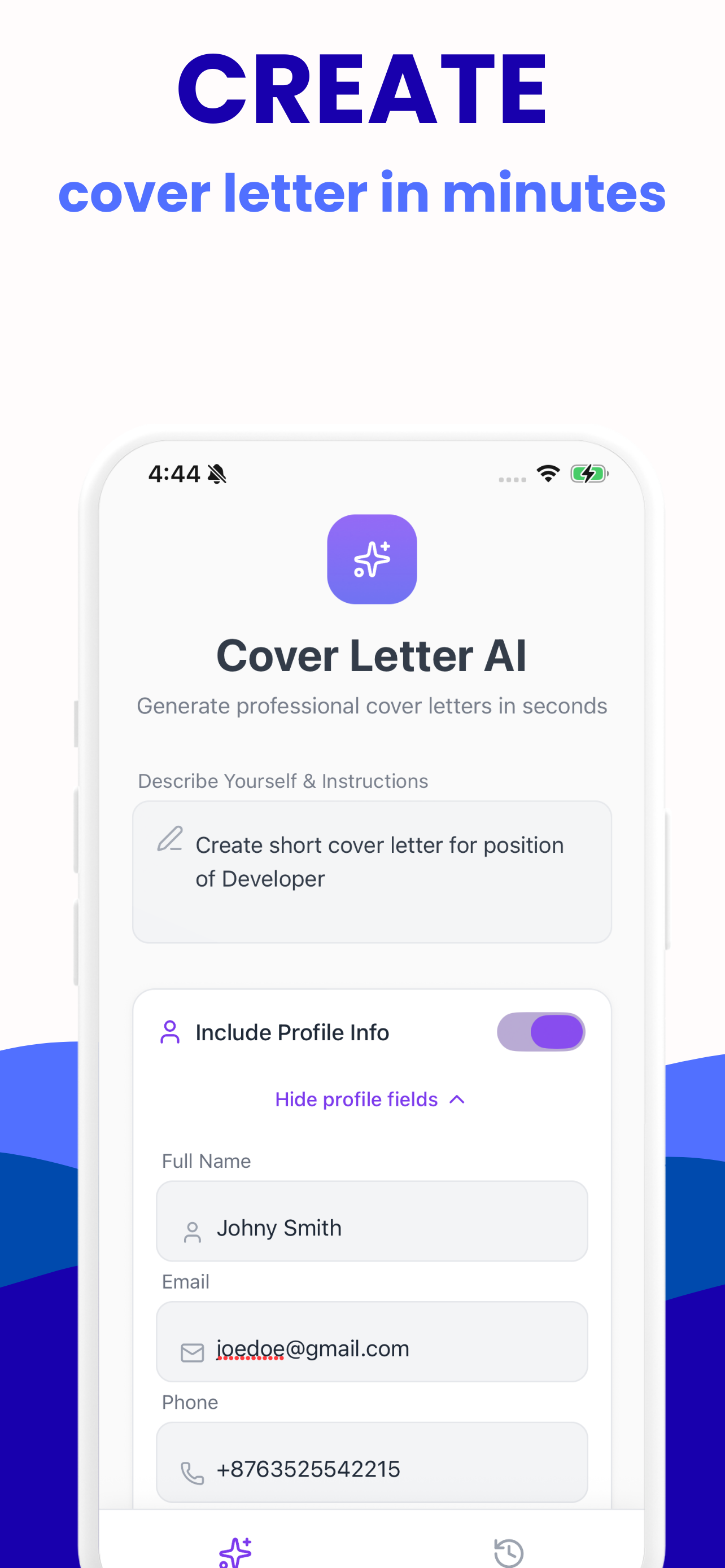
Cover Letter Creator is an AI writer for job applications that lives on your iPhone. Describe yourself and the role — or save a profile once with your name, role, experience, skills, and education — pick one of 10 tones and one of three lengths, and the letter streams onto the screen word by word. It writes six document types: cover letters, post-interview thank-you emails, application follow-ups, LinkedIn messages to recruiters, cold intro emails, and resignation letters, in whatever output language you ask for.
Every letter is saved to History on your device, where you can edit it, mark favorites, copy, share, or delete, regenerate for a different take, and export to PDF. With full access you can also paste the job posting so the letter speaks to that posting's actual requirements, and apply one-tap refinements such as shorter or more formal.
What "free" means here
The app is free to download, and the free tier is one AI generation plus one PDF export — enough to see how it writes before you pay anything. Premium then unlocks unlimited generation, variations, job-posting targeting, and refinements. If you only need an occasional letter, the template builder on this website stays free with no cap.
iPhone app or this website?
Use the website at a desk for a quick template-built letter. Use the app everywhere else: it writes with real AI in all 10 tones with no daily budget, keeps your profile so each letter starts from who you are, and keeps your history so next week's follow-up starts from this week's letter.
Getting started
- Install the app — it needs iOS 15.1 or later.
- Describe the role, or fill in your profile once and switch on Include Profile Info.
- Pick a document type, a tone, and a length, then generate.
- Edit, copy, share, or export to PDF — the letter is already saved to History.
What it looks like
These are the real store screenshots, not mock-ups.
About the app
Is Cover Letter Creator free on iPhone?
It is free to download, and the free tier includes one AI generation and one PDF export so you can see how it writes. After that, premium unlocks unlimited generation, variations, job-posting targeting, and quick refinements. The template builder on this website is free either way.
Does the app need an internet connection?
Yes. The letters are written by AI on our server, so generating one requires an internet connection. Your saved profile and letter history are stored on your iPhone rather than in a cloud account, but writing a new letter always needs a connection.
Where are my letters and profile stored?
On your device. Letter history and saved profiles stay on your iPhone — there is no account, and we keep no copy of them. The text you submit is sent to our server only while your letter is being generated.